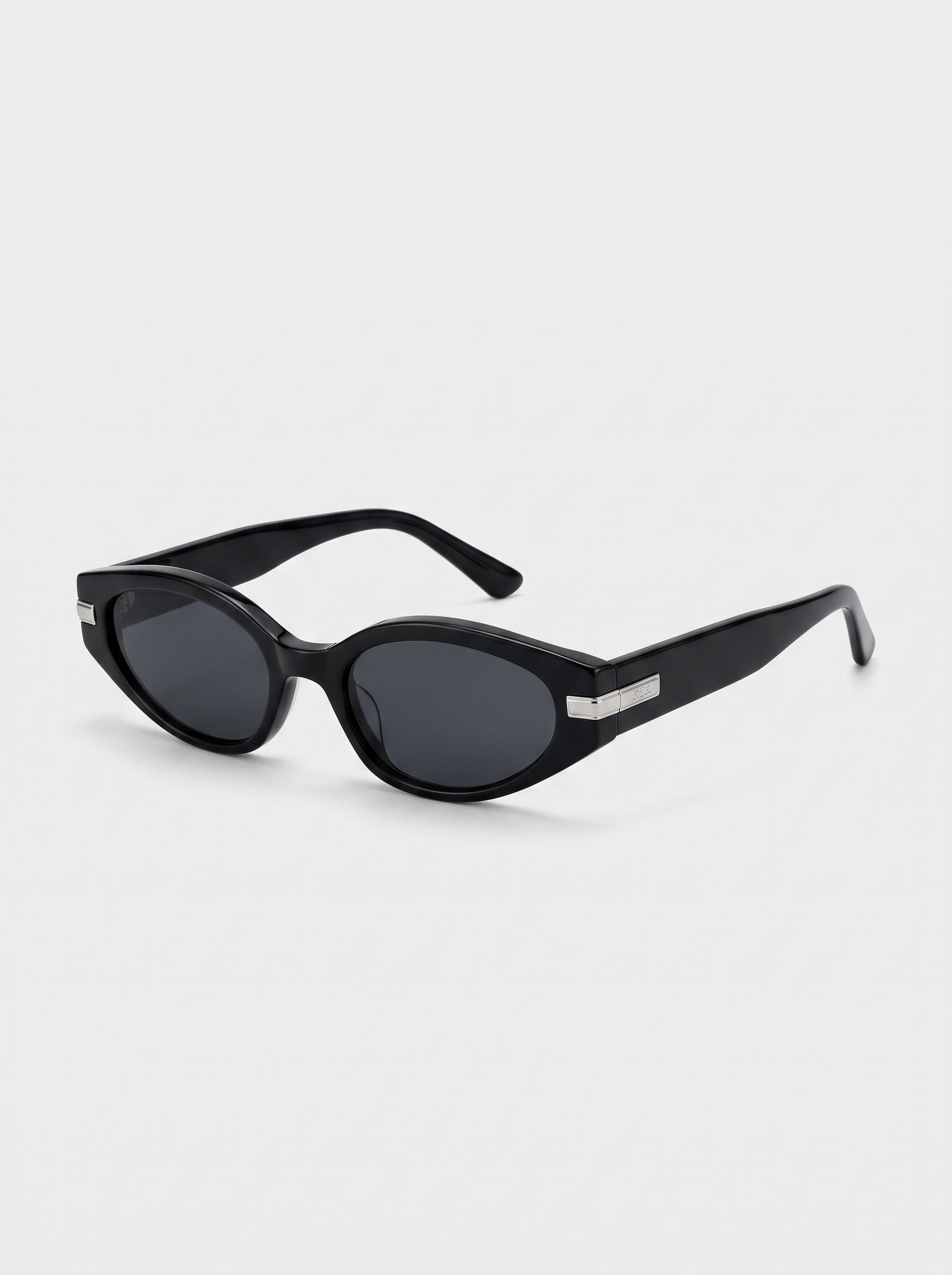

Why Product Imagery Matters More Than Ever
In the digital retail landscape, your product imagery is your storefront window, your sales representative, and your product packaging all rolled into one. When a customer shops online, they are fundamentally making a purchasing decision based on a glowing rectangle of pixels. They cannot touch the silk of a dress, feel the weight of a ceramic mug, or test the hinge of a pair of sunglasses. The images you provide must bridge this sensory gap.
High-quality product images do more than just show what an item looks like; they communicate the brand's value, attention to detail, and reliability. A poorly lit, pixelated image subconsciously signals a low-quality product and a brand that cuts corners. Conversely, crisp, well-lit, and thoughtfully composed imagery builds immediate trust, significantly lowering the barrier to purchase.
The Principles of Product Presentation
Creating effective product imagery is not just about using an expensive camera; it is about adhering to fundamental principles of visual presentation. The goal is to remove distractions and present the product as clearly and accurately as possible.
1. Consistent Framing and Scale
One of the most common mistakes in e-commerce is inconsistent framing. If one pair of shoes takes up 90% of the image frame, and the next pair takes up 50%, your category grid will look chaotic and unprofessional. Establishing a strict padding rule—for example, ensuring the product always occupies exactly 85% of the vertical canvas—creates a harmonious browsing experience.
Maintain perfect padding and canvas constraints instantly.
2. Background Consistency
For primary catalog images (the "hero" shots), a pure white or neutral off-white background is industry standard for a reason. It eliminates distractions, ensures the colors of the product pop, and creates a seamless look across the storefront. While lifestyle images can have complex backgrounds, the main thumbnail should be clean. Using a consistent background hex code across your entire catalog is essential for a premium feel.
Angles and Detail: Telling the Full Story
A single front-facing shot is never enough. To overcome the inability to physically inspect the item, you must provide a comprehensive visual tour. An effective product listing should include:
- The Hero Angle: A clear, straight-on or slight 3/4 angle on a pure white background.
- The Alternate Angle: The back or side profile of the product.
- The Macro Detail: An extreme close-up highlighting a key texture, stitching, or material quality.
- The Context Shot: The product in use (lifestyle) or placed next to a recognizable object to convey scale.
For fashion, this means showing the garment on a model to demonstrate drape and fit, rather than just laying it flat on a table. For electronics, it means showing the ports, the interface, and the scale in a human hand.
The Hidden Impact of Visuals on Customer Trust
In modern e-commerce, customer trust is almost entirely mediated through a screen. When a shopper lands on a digital storefront, they cannot touch the fabric, feel the weight of the hardware, or try on the garment to see how it drapes. Their entire perception of your brand's quality, reliability, and value is projected through the pixels you present to them. Studies have consistently shown that consumers equate the quality of a product's photography directly with the quality of the product itself.
If a product image is poorly lit, slightly out of focus, or inconsistently scaled compared to the rest of the catalog, cognitive friction occurs. The customer unconsciously begins to question the legitimacy of the brand. "If they cut corners on their photography, where else are they cutting corners?" they might think. This doubt is the enemy of conversion. High-quality, consistent visuals act as a surrogate for the physical retail experience, offering reassurance and clarity.
Furthermore, high-fidelity imagery reduces return rates—a massive hidden cost in e-commerce. When a customer can zoom in and clearly see the weave of a fabric or the exact shade of a leather dye, their expectations are correctly set before the transaction. They know exactly what they are buying, which means they are far less likely to return the item citing "Item not as described" or "Color differs from photo." Investing in visual assets is not just a marketing expense; it is a critical operational optimization that directly impacts the bottom line.
Mobile Shopping and Image Resolution
With over 60% of e-commerce traffic occurring on mobile devices, your imagery must be optimized for small screens. This means cropping tighter to ensure the product is legible on a 6-inch display. However, because modern smartphones have high-density Retina displays, the image file itself must be high resolution (e.g., 2000px wide) to appear crisp and allow for pinch-to-zoom functionality without pixelation.
Practical Product-Image Checklist
Before finalizing any product upload, run through this practical checklist:
- Is the lighting even and color-accurate to the physical product?
- Is the background a consistent, clean color (e.g., pure white)?
- Is the product framed with consistent padding compared to the rest of the catalog?
- Have you provided at least 3-5 varied angles, including a detail shot?
- Is there a lifestyle or context image to demonstrate scale?
- Is the image resolution high enough (2000px+) for zooming, yet compressed for fast loading?
Conclusion
Creating better product images is an ongoing process of refinement. It requires establishing strict visual guidelines and adhering to them ruthlessly. By focusing on consistency, clarity, and providing a comprehensive visual story, you can transform your e-commerce imagery from a basic requirement into a powerful driver of customer trust and sales.
.jpeg)